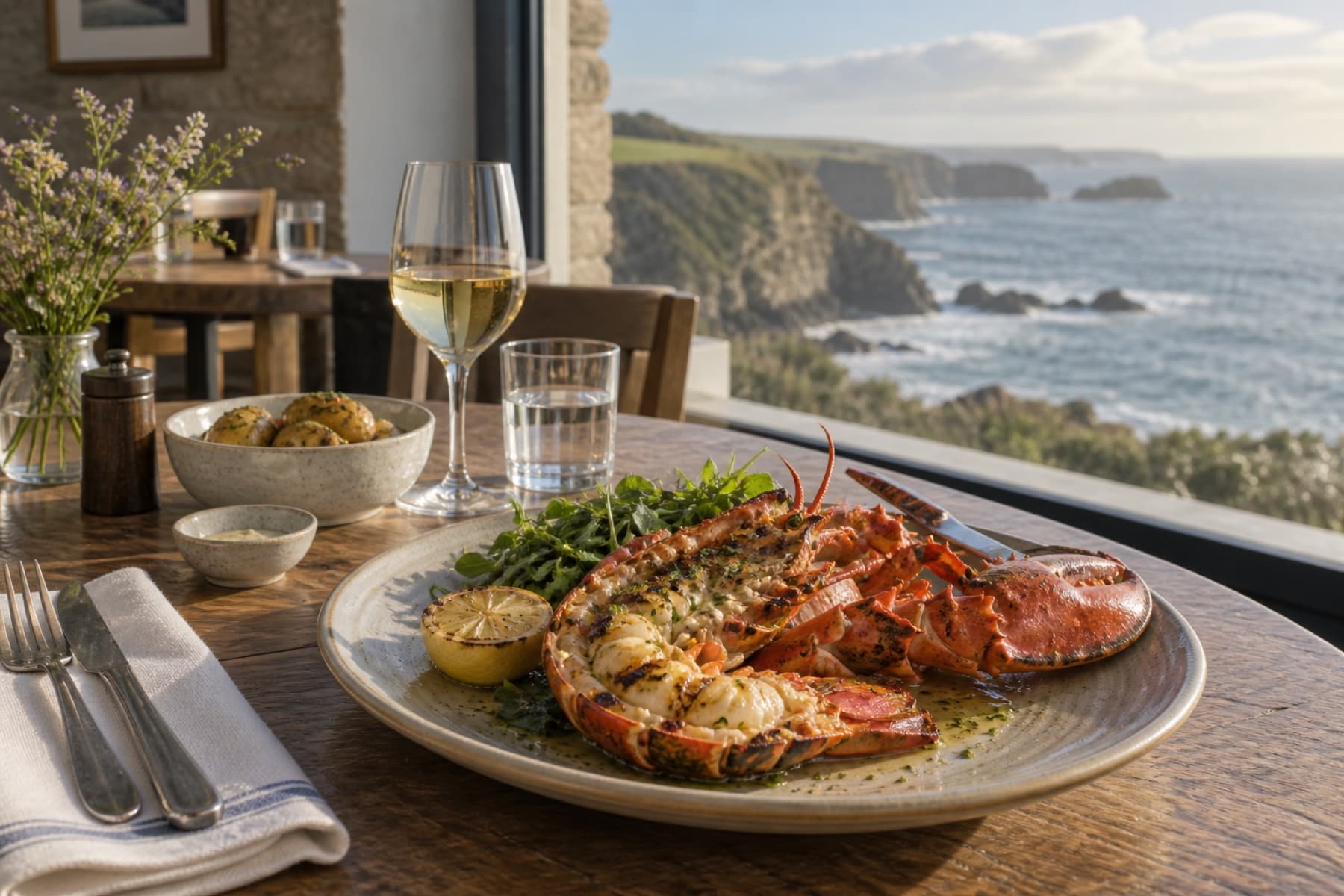
Harbour House
For the Cornwall trip
How Ovuvo works
Keep something you may want again. Later, start with what you remember.


Searched for “that lobster restaurant in Cornwall”
BEST MATCH
For the Cornwall trip
Harbour House
Coastal lobster, stone walls and that view over the water.
Restaurant · Cornwall
Found again
“that lobster restaurant in Cornwall”
Restaurant · Cornwall
Harbour House
Coastal lobster, stone walls and that view over the water.
BEST MATCHFound Harbour House from the remembered words that lobster restaurant in Cornwall.
Keep something you may want again. A place, a product, a recipe, an article or an idea.
Ovuvo can bring related saves together. You don’t need to build a perfect filing system.
Start with what you remember — a name, a place, a detail, or when you saved it.
“That restaurant in Cornwall” is a place to start. So is “small silver camera”, or “article about small spaces”. Ovuvo searches the things you’ve saved, not the whole internet.
Ovuvo keeps useful details with what you save, when they’re available, helping you find it again from what you remember.
Some sources share more information than others. If an image or detail isn’t available, Ovuvo won’t invent it.
What can I save? ↗Ovuvo for iPhone
Ovuvo for iPhone and the web is coming soon.